From chaos to
clean books.
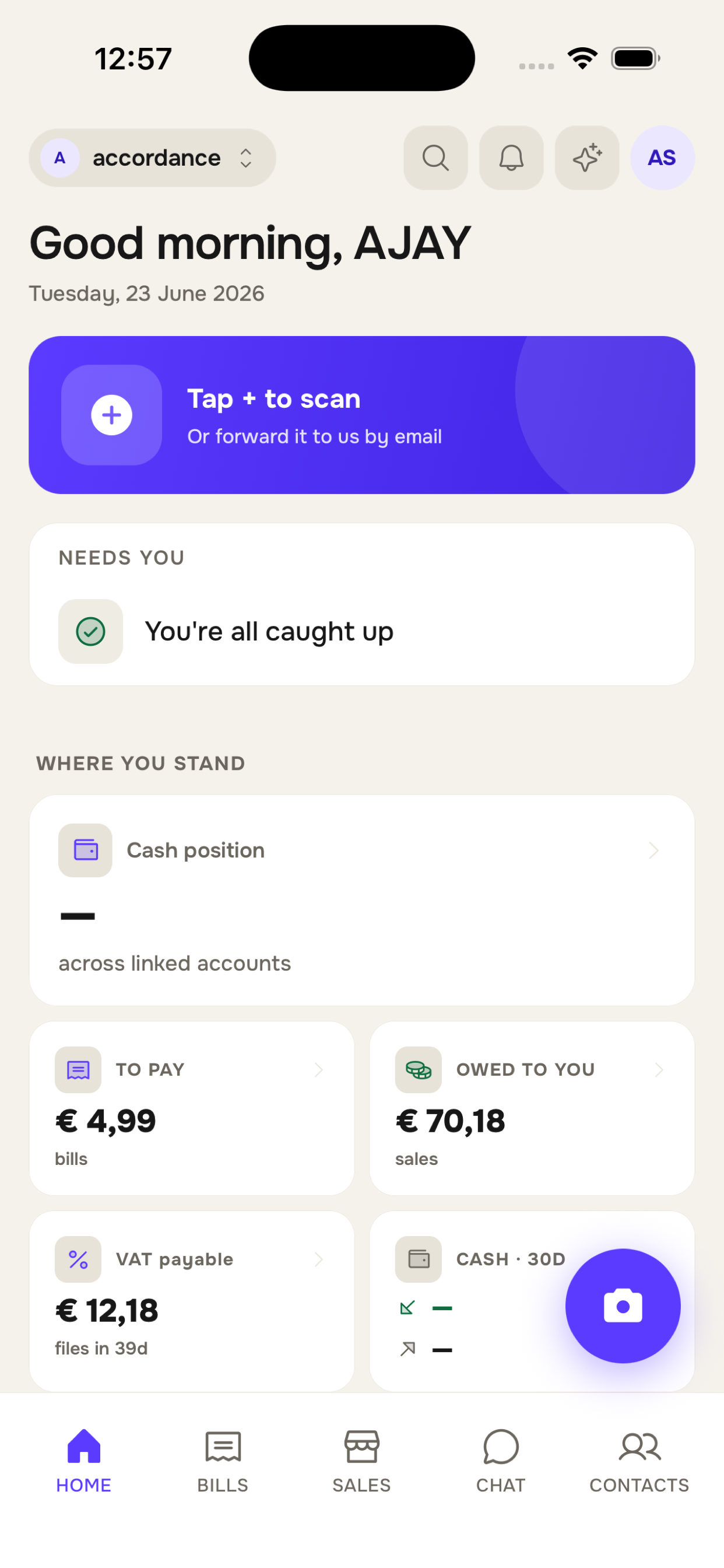
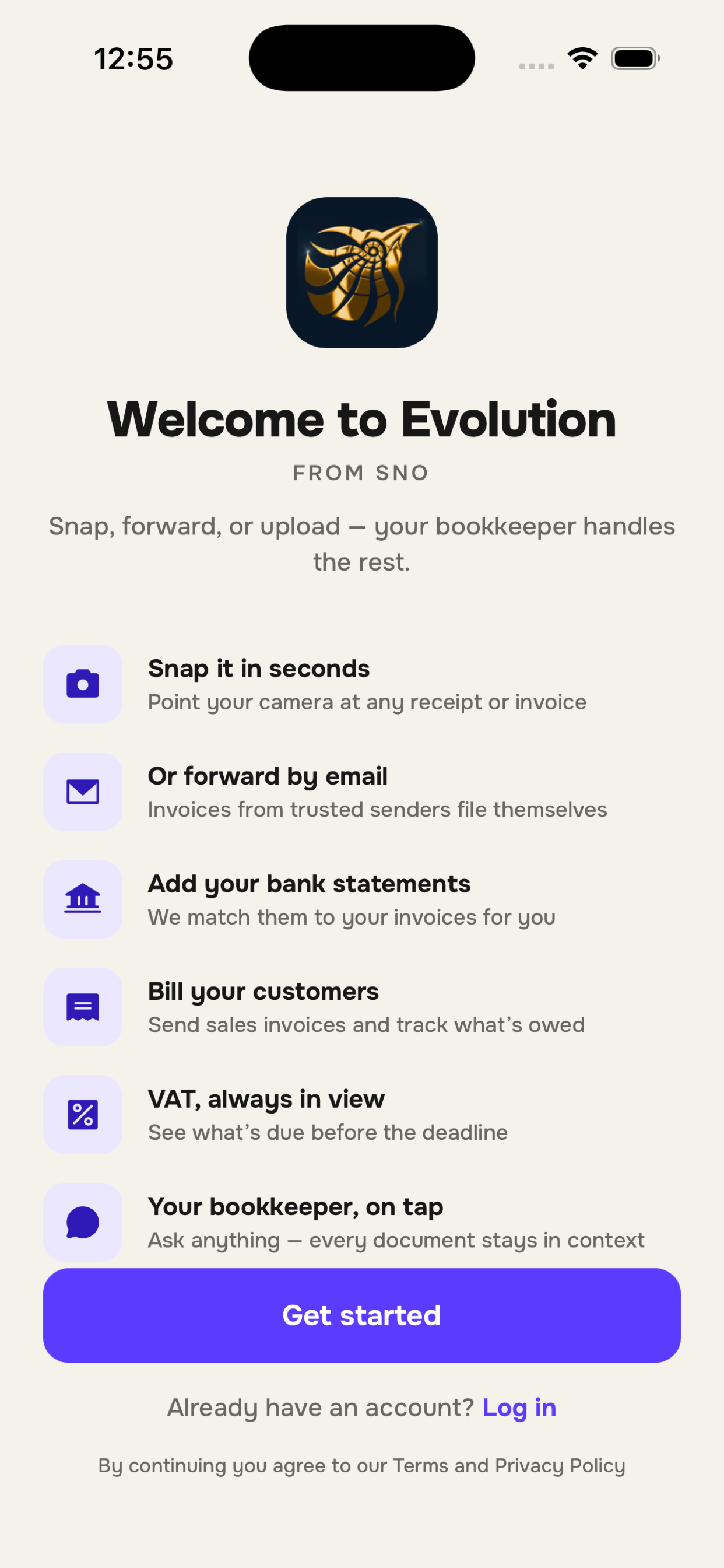
Forward an invoice from anywhere — email, WhatsApp, a photo, a drag-and-drop. SNO extracts, heals the BTW, matches the GL, and pushes clean entries straight to Exact or QuickBooks.
Ask Ciphero, your built-in AI assistant, anything along the way.
Download the app
Less manual work. More time for review and advice.
Results measured during a two-year collaboration with one accounting firm and may vary by workflow, document quality and level of review.
One workflow, whoever keeps the books.
Standardize document preparation across your client portfolio.
Give clients a simpler way to send documents while your team does less manual work. Review prepared records, correct exceptions, confirm ledger accounts, and export to Exact or QuickBooks.
Explore SNO for firms →Send every invoice to one place and hand over a cleaner administration.
Forward everything from email, WhatsApp, camera or upload. Your firm sees it the moment it lands — no more end-of-month scramble for missing PDFs.
Explore SNO for businesses →Keep your own administration organized.
Keep your own books without the jargon. SNO sorts each expense into plain categories, tracks your BTW, and Ciphero — your built-in AI assistant — answers whatever you’re unsure about. No accountant required.
Explore SNO Solo →A seamless bridge between business and accountant.
Most bookkeeping is still a fractured mess of emails, folders, and spreadsheets. SNO collapses that into one workflow — whether an accountant keeps your books or you keep them yourself. Clean books, evenings back.
The end-of-month panic
- Clients photograph receipts; firms chase them down for missing PDFs.
- Endless emails trying to figure out which invoice belongs to which transaction.
- Re-typing BTW totals because legacy OCR got the rate wrong.
- Firms mapping vendor names in Excel that don’t match Exact.
- Spending the weekend before the deadline reconciling the mess.
One forward, two hands free
- Businesses forward to SNO; firms see them instantly.
- Evolution extracts vendor, dates, lines and VAT in seconds.
- Per-vendor learning maps every Sligro invoice to the correct GL account.
- Your firm sees them in their dashboard the moment they arrive.
- End of quarter: export to Exact NL or QuickBooks. Done.
Ask Ciphero anything.
Ciphero is the AI assistant built into SNO. Ask where something lives, how the books work, or what your numbers mean — in plain language. It reads your data to answer, and never changes it.
No accountant to call? Ciphero is your expert on tap.
- Points you to the right page
- Explains how anything works
- Answers “how much BTW do I owe this quarter?”
- Read-only — never changes your data
How much BTW do I owe this quarter?
You owe € 412 for Q2, due 31 July. It’s on your VAT page — want me to open it?
Three steps. Mostly invisible.
No new app to learn — SNO sits effortlessly between your inbox and your accountant’s books.
Evolution reads every line — even the BTW.
Forward a PDF, snap a paper receipt, or upload a batch. SNO pulls vendor, dates, line items, descriptions, totals and VAT rate. When the BTW totals don’t add up, we heal them — never overwriting what was on the page.
- NL & SR tax codes, plus EU baseline
- Promo & marketing rows automatically marked non-bookable
- Audit trail of original vs. healed values
Learns your firm’s GL chart, one vendor at a time.
Every confirmed match teaches SNO. The next time KPN sends a mobile bill, it goes straight to the same Telecom account — without anyone typing. Filename patterns auto-process the hard-positive band; ambiguous rows park for review.
- Per-vendor pattern learning (filename + sender)
- GL chart-aware: same vendor, different chart? No problem
- Bank statement matching: MT940, CAMT.053, CSV, DIF, OFX
Export perfect records.
Firms export directly to their systems; businesses hand over perfect records. Exact Online NL XML, QuickBooks Desktop IIF, or a country-specific BTW worksheet.
- Exact Online NL · XML with division code
- QuickBooks Desktop · IIF
- Internal invoice number (SNO) + supplier reference
Answers, no jargon.
Who is SNO built for?+
Three kinds of people: accounting firms managing multiple clients, businesses that work with a firm, and self-administrators who keep their own books (SNO Solo). Firms get coded books; clients get one place to forward everything; solo users get plain-language bookkeeping with no accountant required.
Does SNO replace the accountant?+
No. SNO prepares documents and records before professional review — it extracts, checks and suggests. The accountant (or you, on SNO Solo) stays in control of corrections, approval and filing.
I don’t have an accountant — can I use SNO myself?+
Yes — that’s SNO Solo. Forward or snap your invoices and SNO sorts each one into plain, everyday categories (no GL codes to learn), keeps a running BTW total, and reminds you before the filing deadline. Decide to bring an accountant on board later and your books come with you.
Can I send invoices through WhatsApp?+
Yes. WhatsApp, email, a photo from the mobile app, or a drag-and-drop upload — every channel lands in the same workflow.
What if my BTW totals are wrong on a scan?+
We never overwrite extracted values. If a total is missing or doesn’t add up, we heal it and flag the row so you can confirm. The original is always in the audit trail.
Does SNO post directly to Exact Online or QuickBooks?+
SNO prepares export files in the format your system expects: Exact Online NL XML or QuickBooks Desktop IIF. You review the records, then import the file — nothing reaches your books without your say-so.
Is my data secure?+
Yes. Your data is hosted in the EU and handled under GDPR. People only see the clients they work with, every account can turn on two-factor authentication, and every change is recorded — the original document is never overwritten.
What happens when SNO is uncertain?+
It says so. Uncertain rows are flagged and parked for review instead of being presented as confirmed — you (or your firm) decide, and SNO learns from the confirmation.
Is there help if I get stuck?+
Yes — Ciphero, the AI assistant built into SNO. Ask it where something is, how a workflow works, or what your numbers mean. It reads your books to answer but never changes them, and it’s there whether or not you have an accountant.
Can my accountant use it too?+
Yes — and they probably should. They can sign up their firm, send you a FIRM-XXXX code, and they’ll see your invoices as you forward them. Either side can pay.
What if I’m coming from Twinfield or Exact?+
SNO is forward-only by design — we don’t import historical books. You point new invoices at SNO from a start date you choose, and export clean entries to Exact NL or QuickBooks. Talk to us about timing your cut-over.
Ready to forward your first invoice?
Pre-accounting, finished. NL, Suriname & Curaçao. Forward, file, done.
Get started